
Good writing is one of the most important skills in today’s digital-first world. Whether you are a student, blogger, marketer, or professional, the ability to write clear, error-free, and engaging content can make a huge difference.
To help with this, AI-powered writing tools like Grammarly and Quillbot have become extremely popular. Both assist with grammar corrections, style improvements, and tone adjustments—but they also differ in unique features, pricing, and overall functionality.
In this blog, we’ll compare Grammarly vs Quillbot in detail so you can decide which tool is the best fit for your needs.
Grammarly vs Quillbot: Quick Overview
At their core, both Grammarly and Quillbot aim to improve your writing.
-
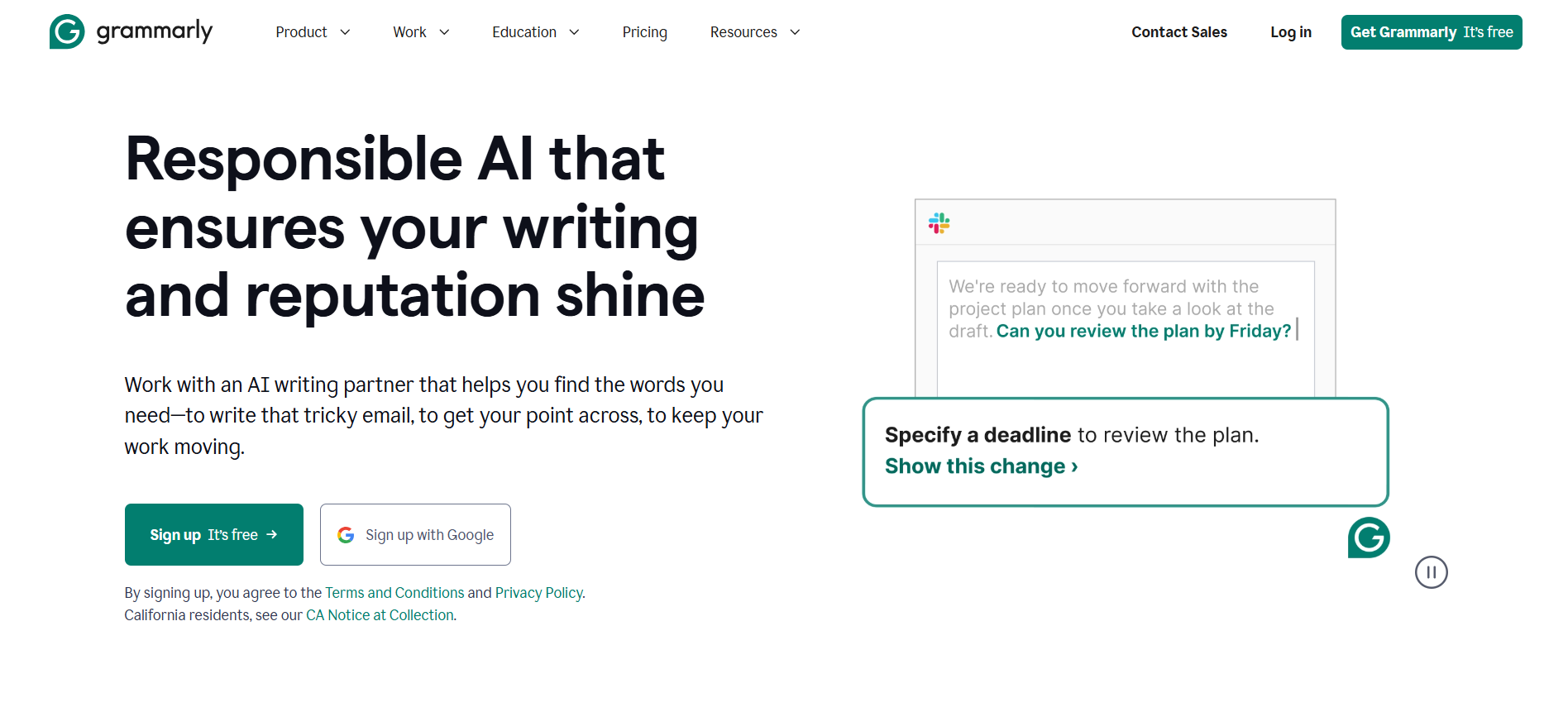
- Grammarly is widely recognized as a grammar and spelling checker but has evolved into a complete writing assistant with tone detection, plagiarism checking, and advanced suggestions for clarity and style.
-
- Quillbot started primarily as a paraphrasing tool but now also offers summarization, translation, content expansion, and citation generation.
Both tools share some overlapping features like grammar correction, writing enhancement, and browser extensions—but they shine in different areas.
Key Features Comparison
Let’s break down Grammarly vs Quillbot based on important features.
1. Grammar and Style Checking
-
- Grammarly: Known for highly accurate grammar and punctuation corrections, clarity suggestions, tone detection, and fluency improvements. It also checks for conciseness and helps avoid redundancy.
-
- Quillbot: Provides basic grammar checking but its main strength lies in paraphrasing and rewriting content rather than advanced grammar suggestions.
 Winner: Grammarly (for advanced grammar and style corrections).
2. Paraphrasing and Content Expansion
-
- Grammarly: Offers sentence rewrites in its premium plan, but not at the same depth as Quillbot.
-
- Quillbot: Specializes in paraphrasing. You can rewrite entire articles in different tones (standard, fluency, creative, formal, simple, etc.). It also has a content expander feature that lengthens text naturally.
Winner: Quillbot (best for paraphrasing and content rewriting).
3. Text Summarization
-
- Grammarly: Does not have a summarizer.
-
- Quillbot: Has a built-in text summarizer that condenses long documents into key points—great for students or researchers.
Winner: Quillbot.
4. Tone Detection
-
- Grammarly: Detects tone (formal, casual, confident, friendly, etc.) for free. This helps professionals adjust their writing based on audience.
-
- Quillbot: Tone options are available but only in the premium version.
Winner: Grammarly.
5. Plagiarism Checker
-
- Grammarly: Offers an advanced plagiarism checker in its premium plan. You can scan up to 100 documents or 50,000 words per day. Perfect for academic or professional writing.
-
- Quillbot: Includes plagiarism detection in the premium plan but is limited to 20 pages per month (250 words each).
Winner: Grammarly (much higher word limit).
6. Document Formats Supported
-
- Grammarly: Supports .doc, .docx, .odt, .txt, and .rtf files.
-
- Quillbot: Offers wider compatibility with 10+ formats including .pdf, .docx, .pptx, .odt, .odp, .pages, .xlsx, and more.
Winner: Quillbot (broader format support).
7. Snippets Creation
-
- Grammarly: Lets you create reusable content snippets (great for email templates or repetitive phrases).
-
- Quillbot: Does not currently support this feature.
Winner: Grammarly.
8. Translation
-
- Grammarly: No translation feature.
-
- Quillbot: Supports translation into multiple languages.
Winner: Quillbot.
9. Citation Generator
-
- Grammarly: Supports basic citations in APA, MLA, and Chicago formats.
-
- Quillbot: Offers broader citation options, including APA (6th & 7th), MLA (8th & 9th), and Chicago.
Winner: Quillbot.
10. Chrome Extensions and Integrations
Both Grammarly and Quillbot offer Chrome extensions that integrate with platforms like Gmail, Google Docs, Facebook, Word, and more.
-
- Grammarly Extension: Works on 12+ platforms including Gmail, YouTube, Instagram, and Salesforce.
-
- Quillbot Extension: Works on Gmail, Outlook, Facebook, Word, Discord, and more.
In terms of integrations, both are equally useful—though Grammarly tends to feel more seamless on professional platforms.
Grammarly vs Quillbot: Pricing Plans
Grammarly Pricing
-
- Free Plan: Covers grammar, spelling, punctuation, tone detection, and citation generation.
-
- Premium Plan: Starts at ₹984/month, adds advanced tone suggestions, sentence rewrites, word choice improvements, and plagiarism checker.
-
- Business Plan: For teams, includes collaboration features.
Quillbot Pricing
-
- Free Plan: Includes paraphrasing (limited modes), synonym suggestions, fluency checker, and summarizer.
-
- Premium Plan: Starts at ₹818/month, unlocks unlimited paraphrasing modes, plagiarism checker, tone detection, and advanced summarization.
 Takeaway: Quillbot is slightly cheaper, but Grammarly offers stronger advanced features for serious writers.
Pros and Cons
Grammarly Pros
-
- Best-in-class grammar and style checker
-
- Free tone detection
-
- High-limit plagiarism checker
-
- Snippets feature for reusable content
-
- Seamless integrations
Grammarly Cons
-
- Slightly more expensive
-
- No summarizer or translator
Quillbot Pros
-
- Affordable pricing
-
- Excellent paraphrasing and summarization tools
-
- Supports multiple document formats
-
- Includes translation and advanced citation options
Quillbot Cons
-
- Grammar checker is weaker than Grammarly
-
- Limited plagiarism checking capacity
-
- No snippets feature
Grammarly vs Quillbot: Which One Should You Choose?
The answer depends on your writing goals:
-
- Choose Grammarly if you want:
-
- A powerful grammar and style checker
-
- Reliable plagiarism detection
-
- Professional-grade tone adjustments
-
- Snippets for reusable content
-
-
- Choose Quillbot if you need:
-
- Affordable paraphrasing and rewriting tools
-
- Text summarization and translation
-
- More document format support
-
- Advanced citation options
-
In short:
-
- Grammarly is the better choice for professionals, marketers, and businesses.
-
- Quillbot is ideal for students, researchers, and anyone who needs paraphrasing or summarization on a budget.
Final Verdict
Both Grammarly and Quillbot are excellent AI-powered writing assistants, but they serve different purposes.
-
- Grammarly excels in accuracy, tone, and plagiarism detection—making it perfect for professionals and content creators.
-
- Quillbot shines in paraphrasing, summarization, and affordability—making it a great choice for students and researchers.
