
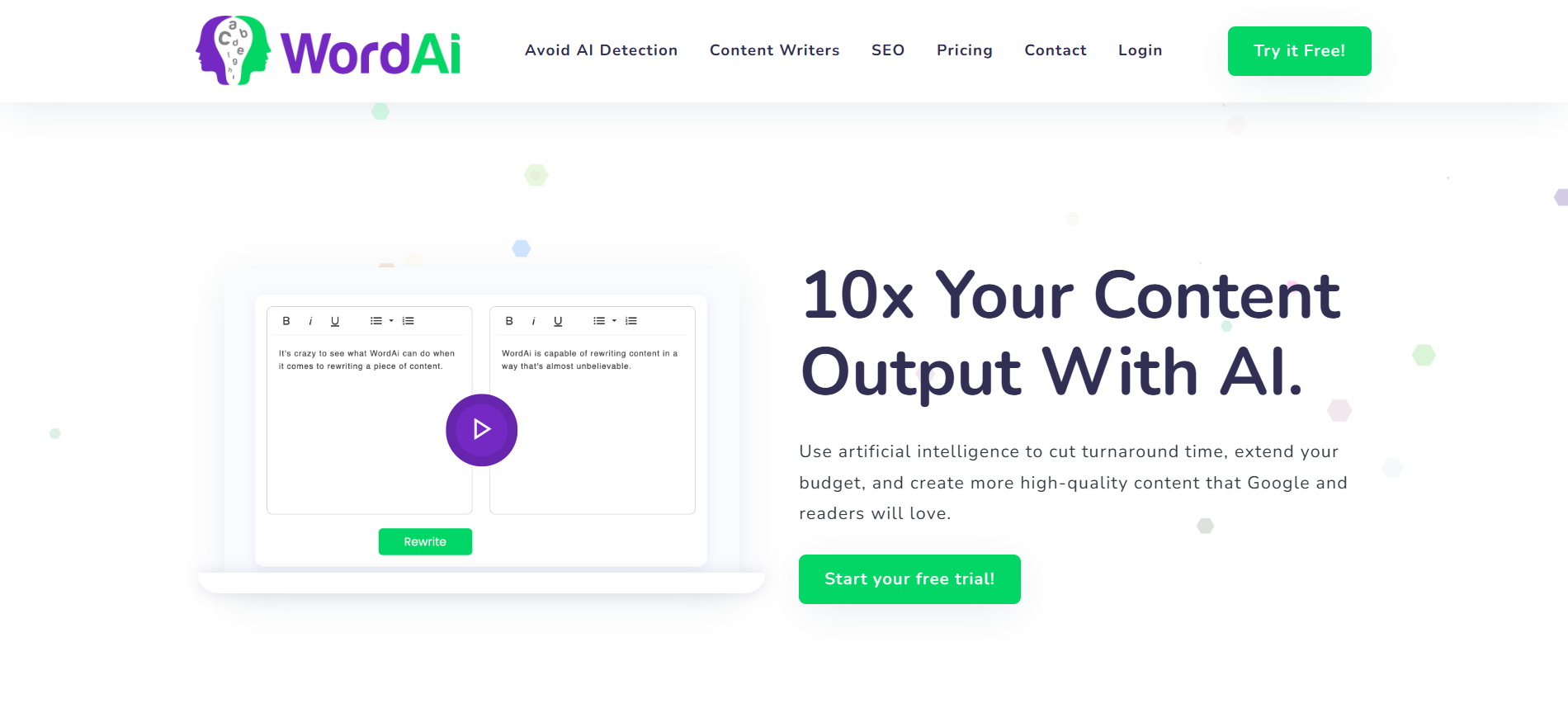
If you searching for ways to scale up your content output without compromising readability? Whether you’re looking to generate compelling titles for blog posts or spin full length articles at scale, WordAI is one of the most talked-about rewriting tools on the market.
But the big question is : does really WordAI produce high quality content or does it simply churn out bland, robotic rewrites?
this in depth WordAI review, with all details we gonna cover:
-
- What Word.AI is best for
-
- effectiveness of word.ai
-
- The types of content that we can generate
-
- Key features of word.ai you should know about
-
- complete Pricing breakdown
-
- Pros and cons
-
- Alternative’s to WordAI
-
- Whether its content passes AI detection tools like Originality.ai
-
- And my final verdict
By the end of this, you’ll get to know whether WordAI is worth by adding to your content marketing toolbox.
What is WordAI?
Word.AI is an great AI-powered article spinner and rewriting tool designed and develop to transform existing text into #1 fresh, unique, and human readable content. Unlike traditional spinners that swap words with synonyms, WordAI comes with a Natural Language Processing (NLP) to understand context, restructure sentences, and deliver text that flows naturally.
This makes it especially useful for:
-
- Bloggers, niche site owners, and marketers who need bulk content
-
- Agencies scaling content output as per the requirement of multiple clients
-
- Businesses looking to avoid duplicate content penalties
-
- Writers who will need help rewriting or refreshing existing articles
In short: Word.AI isn’t about just creating brand-new content from scratch, it’s about taking what you already have and making it sound new, unique, and engaging.
Who is WordAI Best For?
Word.AI works best for:
Niche website owners – in this Especially those dealing with technical stuff where repeating the same phrases could lead to duplicate content issues.
freelancers and online marketers – Who will need to publish a large volume of SEO-friendly articles quickly.
content designing Teams needing scalability – A Word.AI subscription allows multiple user accounts, making it easier for content teams to collaborate.
If at all you’re running more blogs and struggling to keep up with content demand, Word.AI can help you stay consistent without burning out.
How word.ai interface easy to use:
One of Word.AI’s strong points is its clean and straightforward interface to use.
You just paste your content into the Rewrite Box.
Choose whether you want to rewrite it in a single articles or wanting to use the bulk rewrite option.
Within few seconds, Word.AI produces a rewritten version while maintaining structure and readability.
Compared to some overly complicated AI tools, Word.AI strikes a balance between power and simplicity.
effective use of Word.AI
To get the most from Word.AI, it’s important to pair it with best content generation tools like ChatGPT or Article Forge. Why? Because WordAI is a rewriting tool—it needs an original draft to work with.
Here’s the best workflow:
Use a generator like (ChatGPT, Article Forge, Jasper, etc.) to create a rough draft.
Run it through Word.AI for a unique, human-readable rewrite.
Add a human touch inject your brand voice, examples, and personality.
In This way, you can avoid robotic and repetitive content while still enjoying the efficiency of AI assisted writingtool.
how many Types of Content that you can Create with Word.AI?
WordAI primarily focuses on rewriting existing text, but it can handle different content needs:
wordpress Blog posts – this Rewrite long form articles into unique pieces.
Product details and descriptions – it Refresh copy without repeating phrases.
Content rewriting in bulk – this involves in Spining hundreds of articles at once for large websites and platforms.
Sentence level rewrites – also For a smaller edits or rephrasing tasks.
Its biggest strength is scalability – making it possible to re-purpose or refresh content libraries in bulk.
Key features of word.ai:
stand out for
Naturally using NLP model rewriting tool – Understands your context instead of just swapping words.
full sentence rephrase – great Flexible output for different needs and purpose.
opportunity of Bulk rewrite option – can Upload and spin multiple articles at a time.
AI powered human like content quality – Reads and looks more naturally than traditional spinners.
Integrates with article forge – For seamless generation + rewriting workflow.
Avoids AI detection claims on your sites– Marketed as being harder to detect by AI checkers.
Word.AI Pricing breakdown
Word.AI will offers two pricing models:
-
- $57/month (billed monthly)
-
- $27/month (billed annually)
For heavy content users, the annual plan offers significant savings. still prices may change from time to time so, please check with the official website to know more.
Compared to hiring freelance writers, WordAI’s pricing is highly cost-effective—especially if you need dozens of articles each month.
Pros and Cons of WordAI
Pros
Easy to use interface
Fast rewriting with bulk options
Produces unique, human-readable content
Great for avoiding duplicate content issues
Cost-effective for scaling blogs or agencies
Cons
Not a full content generator (needs input drafts)
Claims about bypassing AI detection are not fully accurate
Lacks deep creative capabilities compared to tools like Jasper
Still requires human editing for best results
Can Word.AI Pass AI Detection Tools?
Here’s the million-dollar question: Can Word.AI generated content bypass Originality.ai?
Based on personally testing, and upon checking with all the pin points content straight from ChatGPT is easily flagged as AI-written. When run through WordAI, detection scores improve slightly, but Originality.ai still identifies most text as AI-generated.
This means that while Word.AI can improve readability and uniqueness, it does not guarantee invisibility from AI detection tools. To achieve truly undetectable results, you’ll still need human editing. (tip : write what people’s love to read and share )
Is Word.AI Worth It?
absolutely, Word.AI is a reliable and best rewriting tool that helps online bloggers, marketers, and agencies to scale their content production efficiently.
It great at:
1) Rewriting content into unique piece of magic, which gives natural-sounding variations
2) Bulk spinning for large websites and platforms
3) fully Supporting teams that need multiple accounts
WordAI is not just a one click solution for perfect content creation. It should be used as part of a broader workflow—paired with content generators and finalized with human editing.
Review rating: 8/10
easy of use: 8/10
key Features: 7/10
campany Customer support: 8/10
Price breakdown: 9/1
content Speed: 8/10
Frequently Asked Questions About Word.AI
Q: What is WordAI used for?
A: Word.AI is designed for rewriting and spinning articles into unique, human-readable text.
Q: Is WordAI completely free?
A: No.Word.AI is a paid tool, though it offers a free trial.
